



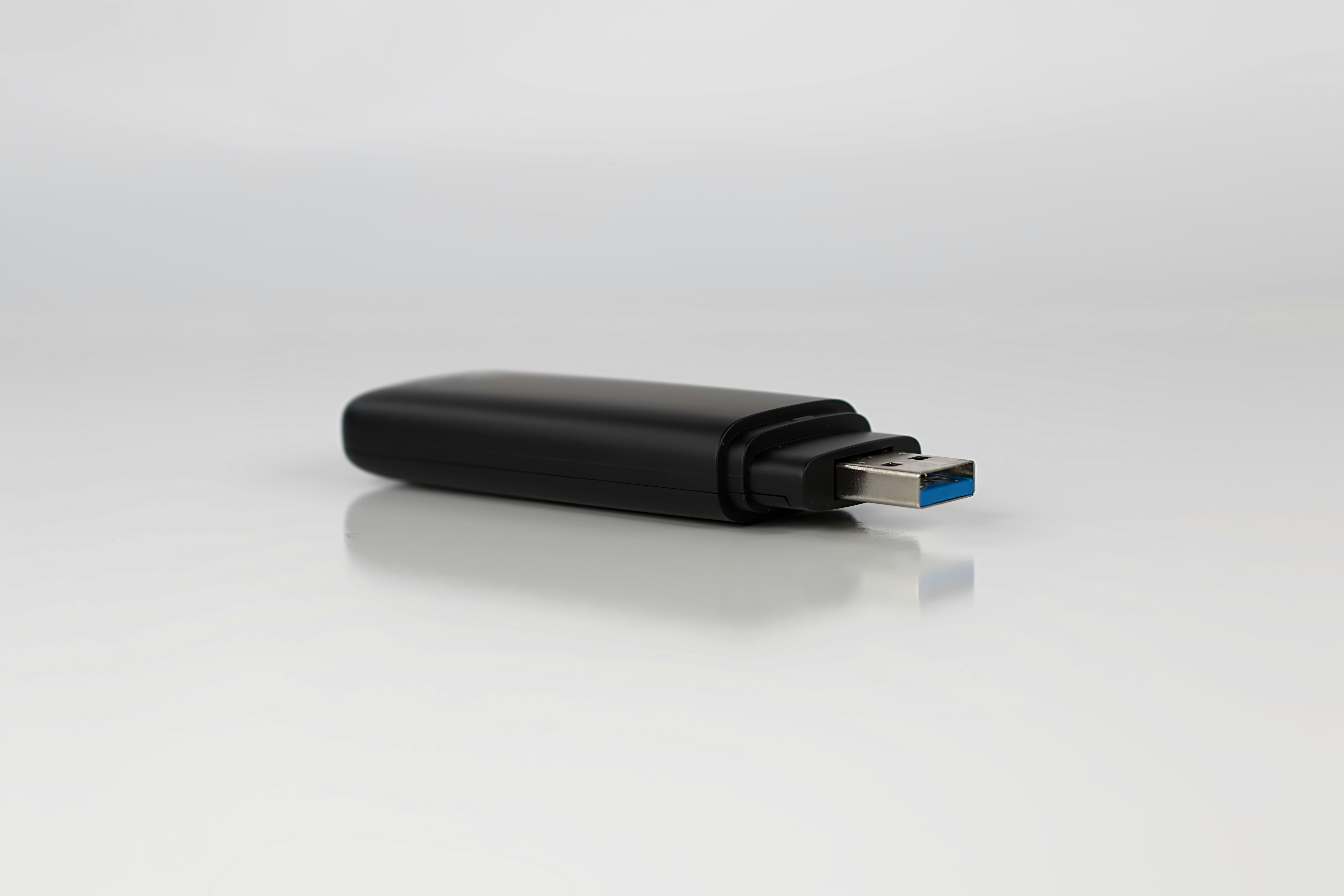
Understanding External Drives
External drives are physical storage devices that connect directly to your computer. They come in two main types: hard disk drives (HDDs) and solid-state drives (SSDs). HDDs offer large storage capacity at lower cost, while SSDs provide faster speeds and better durability. External drives are ideal for local backups, large files, and situations where internet access is limited.
Benefits of External Storage
External drives give you full control over your data. Files are accessible anytime without relying on internet speed or service availability. They’re also a one-time purchase rather than an ongoing subscription. For large media libraries or sensitive documents, external storage provides reliability and privacy.
Limitations of External Drives
Physical drives can be lost, damaged, or stolen. They require regular backups to prevent data loss, especially if the drive fails. External drives also need to be connected manually and may not update automatically unless you set up backup software.
Understanding Cloud Storage
Cloud storage stores files on remote servers accessed through the internet. Files are available across devices and update automatically. Cloud services are especially useful for sharing, collaboration, and accessing files from anywhere. Most offer automatic backups and syncing, reducing manual effort.
Benefits of Cloud Storage
Cloud storage offers convenience and redundancy. Files are protected against device failure and can be restored easily. Automatic syncing ensures your data stays up to date across devices. For people who work remotely or use multiple devices, cloud storage offers flexibility and ease.
Limitations of Cloud Storage
Cloud services rely on internet access. Slow connections can affect upload and download speeds. Ongoing subscription costs add up over time, and storage limits may require upgrades. Privacy concerns also matter, as data is stored on third-party servers.
Choosing the Right Option for Your Needs
The best storage solution depends on how you use your files. External drives work well for large backups, media storage, and offline access. Cloud storage suits daily documents, collaboration, and automatic syncing. Many people use a combination of both for balanced protection.
Security Considerations
Both options require security measures. External drives should be encrypted and stored safely. Cloud accounts should use strong passwords and two-factor authentication. Protecting access matters regardless of storage type.
Backup Strategies That Work
A strong backup strategy includes multiple layers. Using both external and cloud storage reduces the risk of data loss. Regular backups and verification ensure your files remain safe over time.
Price vs. Long-Term Value
External drives involve upfront cost but no ongoing fees. Cloud storage offers convenience at a recurring price. Evaluating long-term needs helps determine which option offers better value.

__thumb__250x250__70__a294efff8704949fb1e773c69b870e5f.jpg)
__thumb__250x250__70__9688f41253acc8d9e5aa76130c6900c9.jpg)